How it runs at your event.
From setting up the event to uploading live selects during the day — here's the full operational picture.
How It Works for Guests
Scan. Browse. Find yourself. Share.
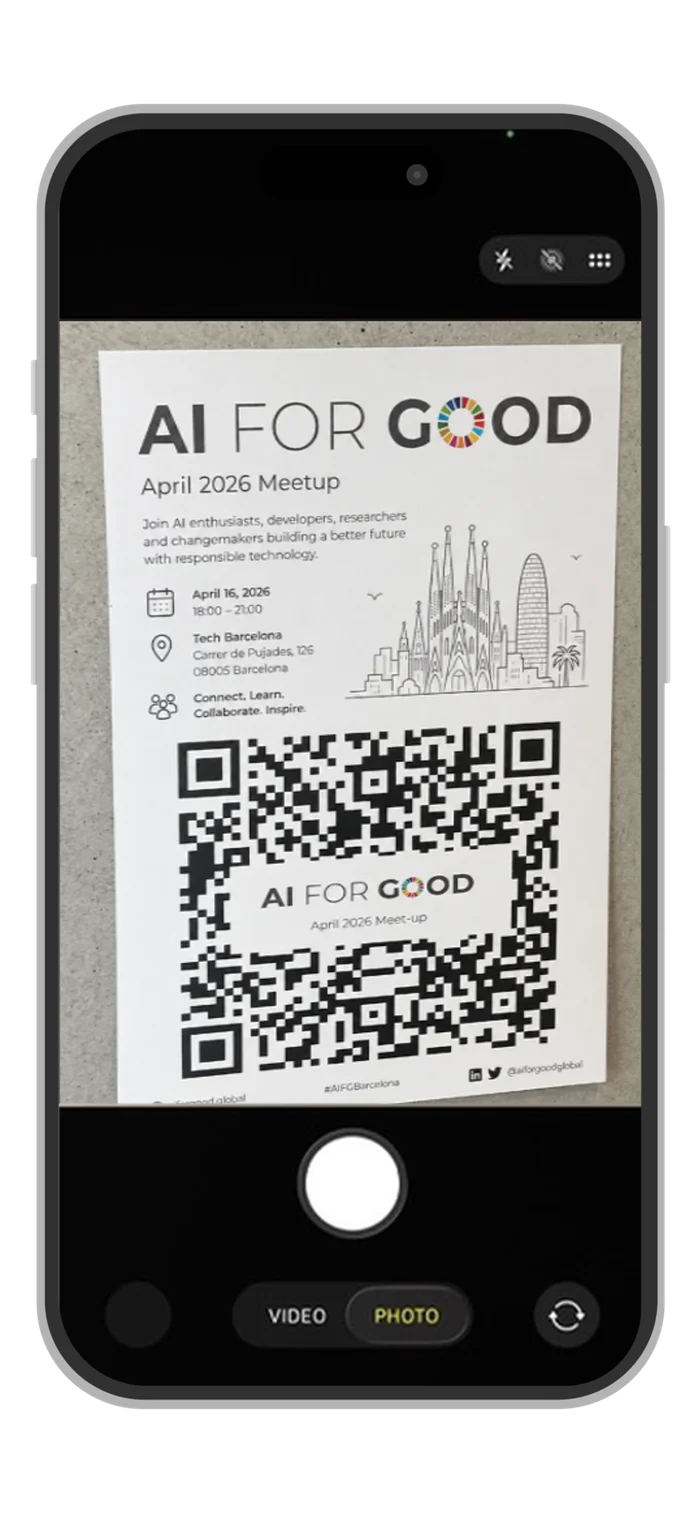
Scan
A QR code at the venue opens the gallery instantly in any browser. No download. No account. No friction.
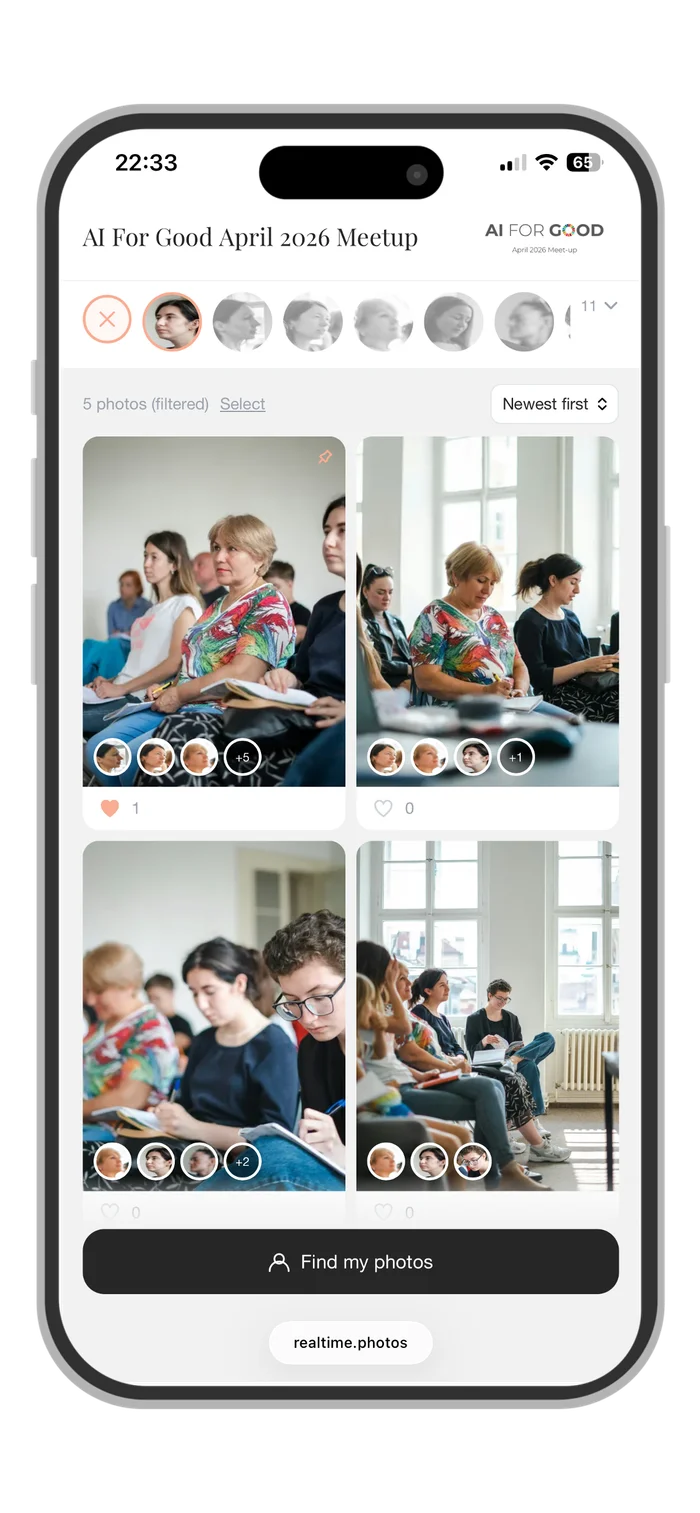
Browse & Filter
Photos appear in real time as the photographer uploads. Tap a face avatar to filter the gallery to any person.
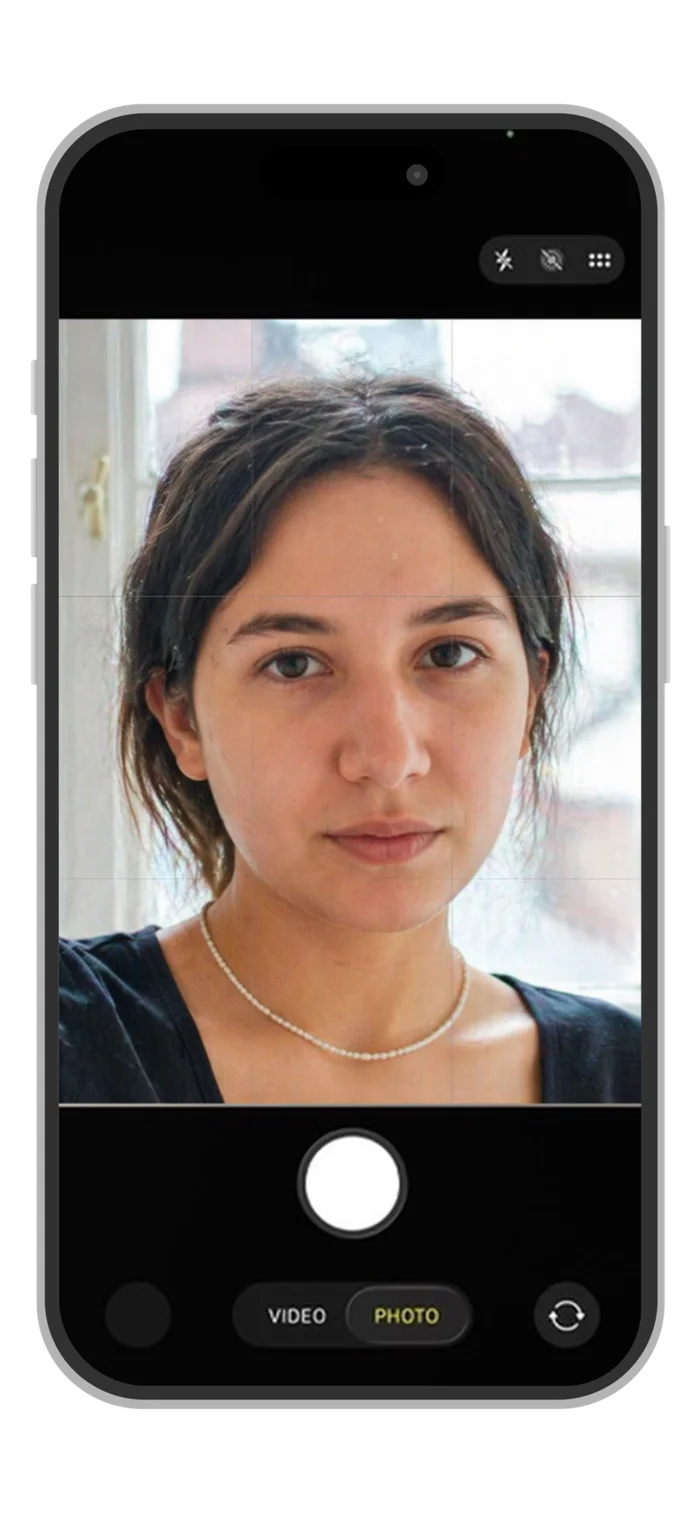
Find Your Photos
Tap "Find my photos", take a quick selfie, and filter instantly to every photo you appear in — out of hundreds.
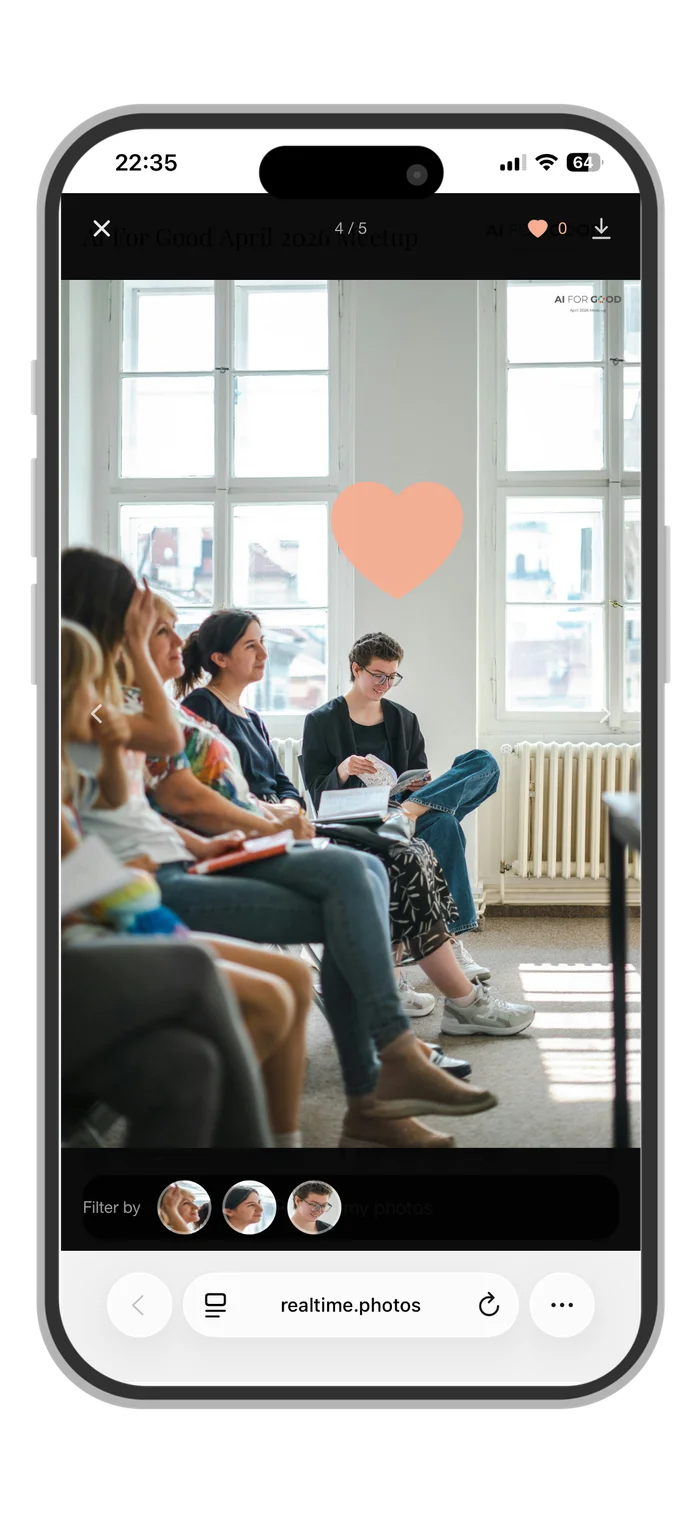
Like, Download & Share
Like photos, download them in full resolution, and share directly from your phone.
How It Works for Your Team
Set up once. Configured to the event.
RealTime.Photos gives you full control over the guest experience — branding, access, privacy, and behavior — before the event starts.
Create the event
Log in to the dashboard, set the event name and URL slug, choose a plan. Takes five minutes.
Configure the experience
Set the access mode (free browsing, password-protected, or face-gated), enable downloads and likes, set the default sort order, upload branding, and configure the disclaimer banner if needed.
Invite photographers and editors
They join as upload-only or co-owner — no paid account needed on their end. One event, one price, regardless of how many people are working on it.
Deploy the QR
Download the branded QR code and place it at the venue — on signage, presentation slides, menus, table cards, or lanyards.
Follow the analytics
Track everything in real time from the dashboard: gallery engagement, audience demographics, audience expressions, and networking insights. When the event wraps, export a branded PDF report for your clients, sponsors, and partners.
How It Works for the Photographer
Live selects during the event. Finals on their normal timeline.
Live coverage is real additional work. The photographer shoots as normal, but during natural breaks, a selection of photos needs to come off the camera, get processed, and reach the gallery — while the event is still running. Here's the full picture of what that involves, and how different setups handle it.
Shoot
The photographer covers the event with total normality. Nothing changes about how they work behind the camera.
Transfer
During a break between sessions, at lunch, or between speakers — selected photos come off the camera via direct phone connection or SD card adapter. Photos can be sent to a remote editor or assistant for processing, or kept on the phone/laptop if the photographers handle the editing themselves.
Edit & Upload
Photos are processed and uploaded to the live gallery, ideally by a remote editor or assistant. If those are not in place, files can go through RealTime's auto-correct workflow on upload. Final touches can also be applied through the in-app editing tool.
Curate
Review what's live: hide a photo that didn't make the cut, merge face avatars that were split, check the gallery looks right. Can be done from a phone by the photographer or an assistant, between rounds.
How It Works Who Handles It
Works with whoever you already have
Photographer directly
The photographer uploads from their phone during breaks. Auto-correct handles the edit on upload. Best for smaller events where the photographer wants to keep the setup simple and self-contained.
On-site assistant
An assistant edits and uploads in real time while the photographer shoots without interruption. Allows faster turnaround and a higher volume of live selects per break. The recommended setup for mid-size to large events.
Remote editor
The photographer sends files during breaks to an editor who processes and uploads from anywhere. Most scalable for larger events or photographers with an established editing pipeline and remote team.
How It Works Set Up the Team
Invite your photographer at no extra cost.
When you create an event on RealTime.Photos, you own it. Invite your photographer, editor, or coordinator as a collaborator — they get access to what they need and nothing more. One event, one price.
Full access to all event settings and the gallery. Can upload, curate, and manage — you retain full visibility and control over everything.
Can add photos to the event. That's it. You control everything else — branding, access settings, and who else is invited.
Collaborators don't need a paid account. One event, one price, regardless of how many people are working on it.
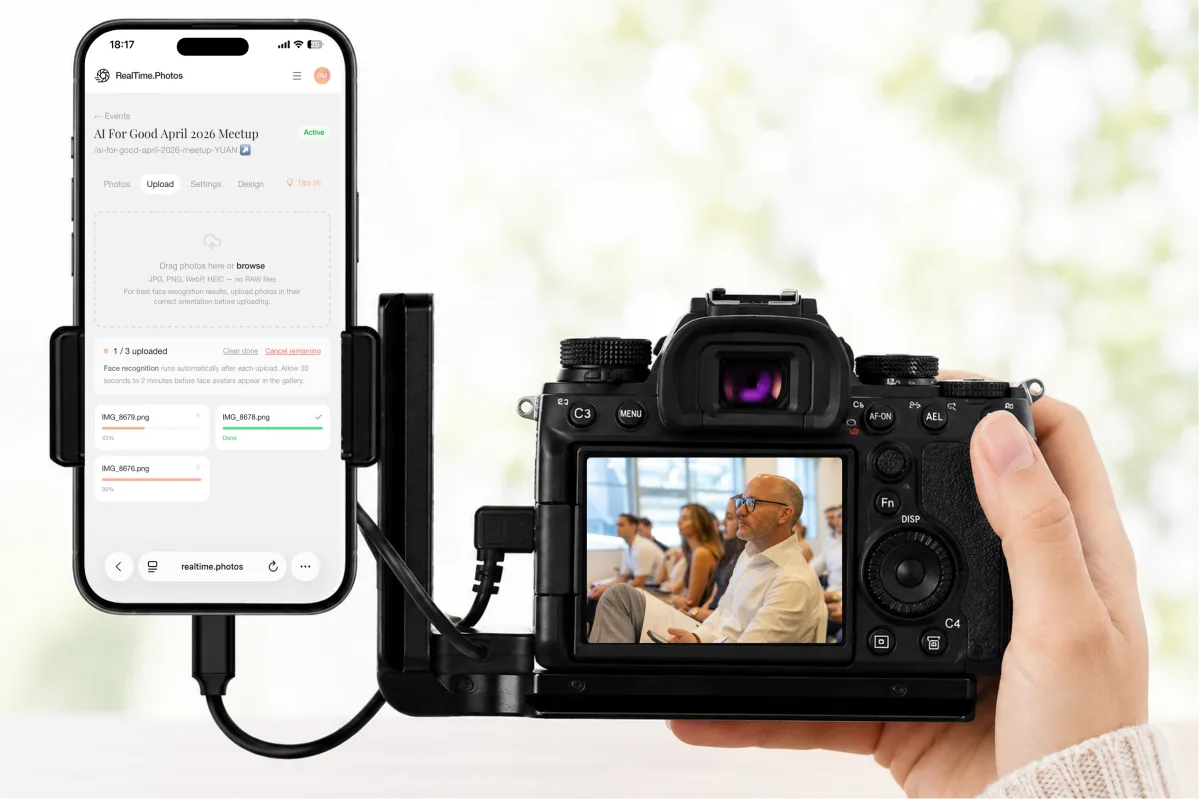
How It Works Camera to Gallery
No assistant? No problem.
Tether your camera, open your browser, and upload straight from your phone.
USB-C or Lightning — most cameras connect to your phone with the same cable you'd use to charge it.
Prefer an SD card? — pop it into a card reader on your phone or laptop.
Open realtime.photos — in any browser — nothing to install.
Select your photos — from your camera roll or files app to upload. If auto-correct is enabled, editing runs automatically as they come in.
Ready to run your
first live event?
Start with a free trial — one event, up to 20 photos, no credit card required.
Or book a demo and we'll walk you through it live.